The Setup > System Config > Storage screen allows for integrations with a third party storage site.
- Options:
- No external system: locally
- Microsoft Sky Drive
- Amazon S3
- Google Cloud Storage
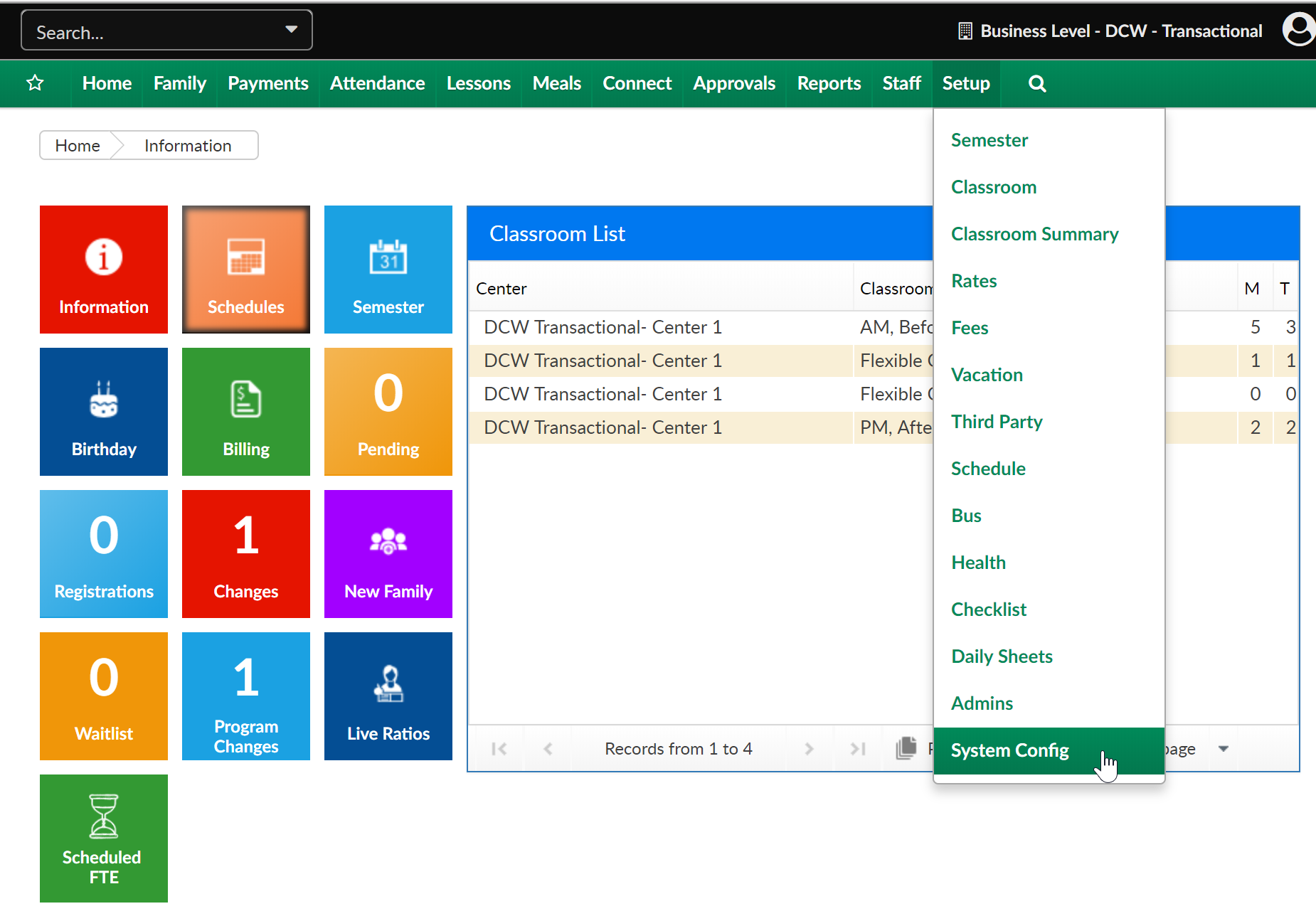
From the Setup menu, select the System Config option.
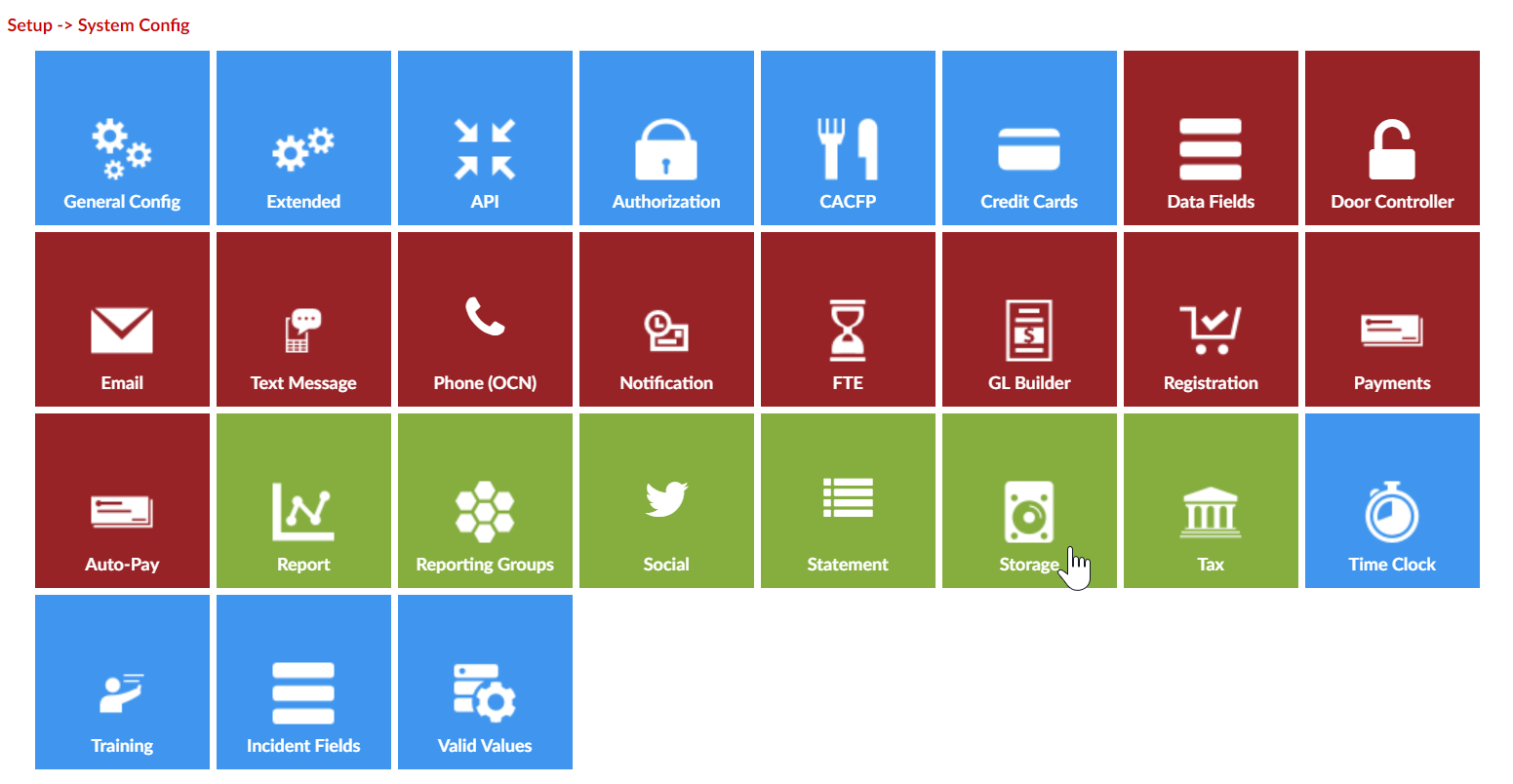
Then select the Storage tile
Select the type of service, enter details then press Save Config-
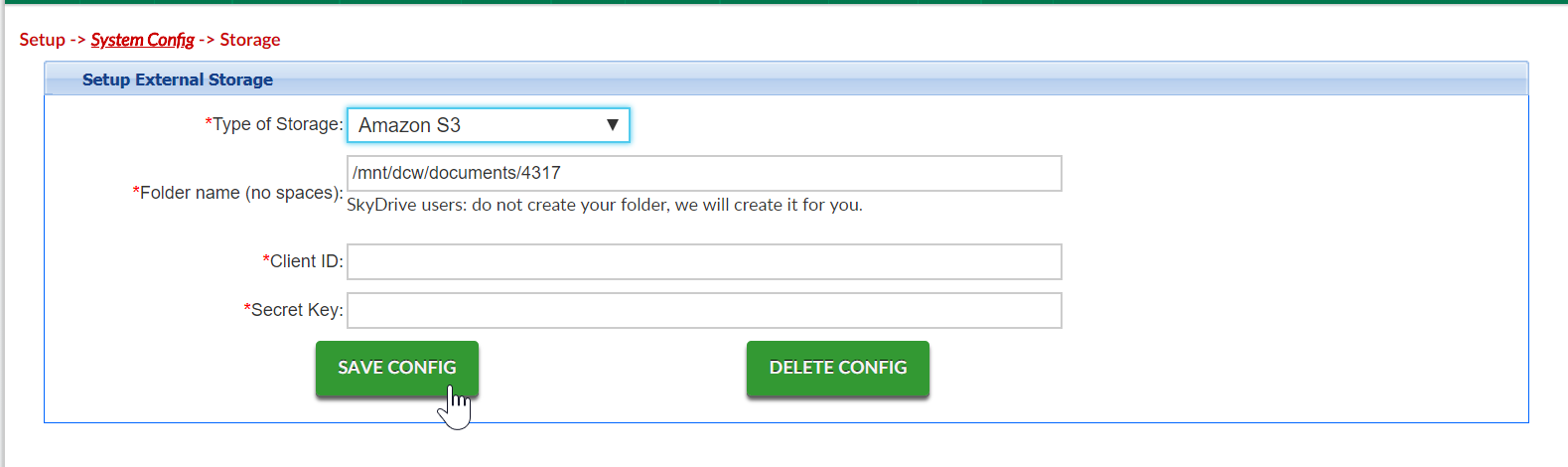
Note: Additonal configuration may be needed, with the service provider your business selects